Christmas and winter styles

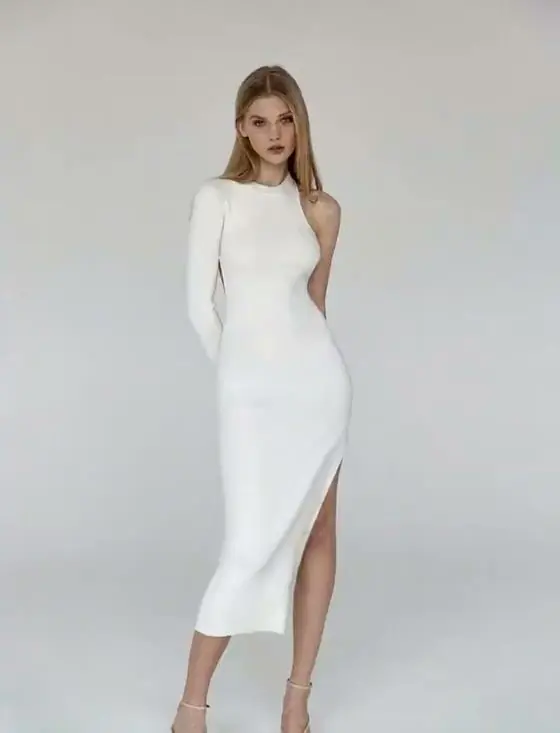
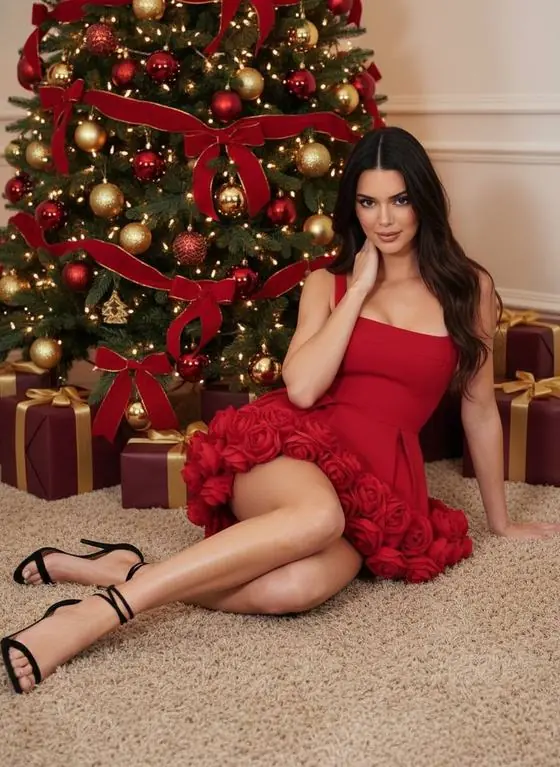
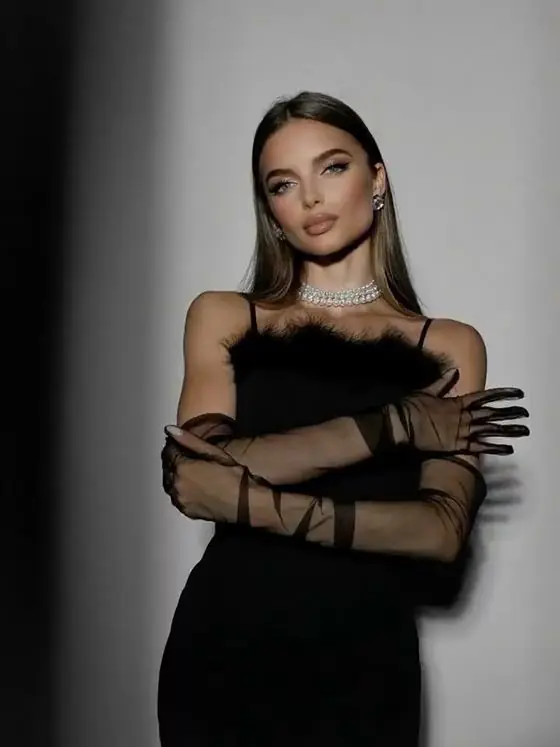
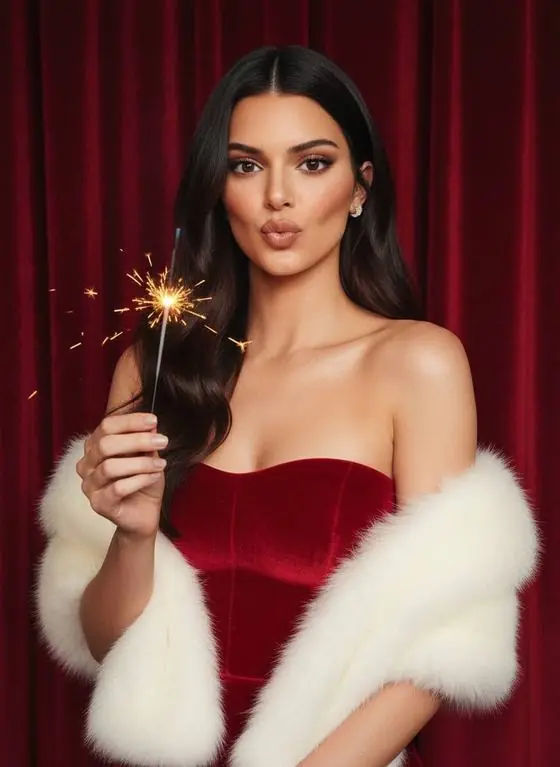
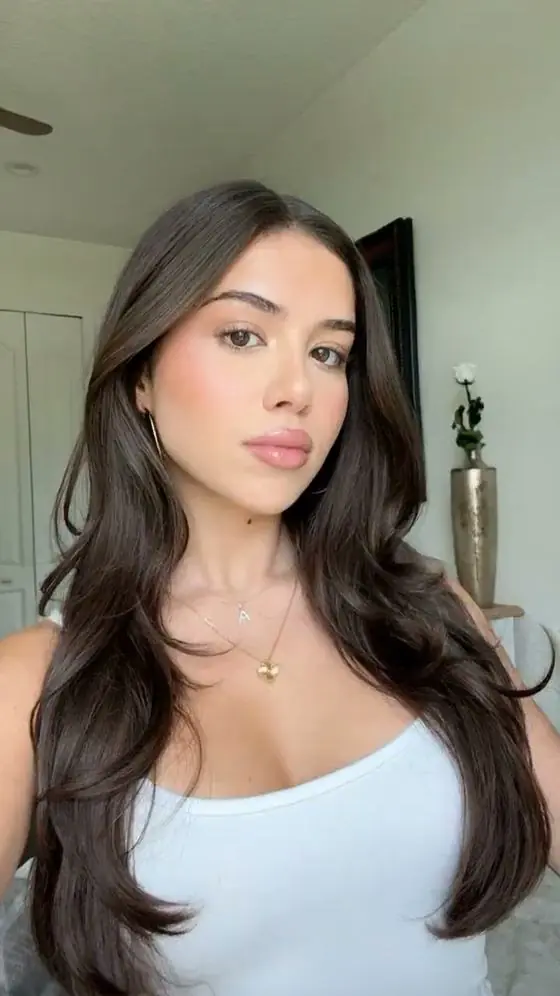
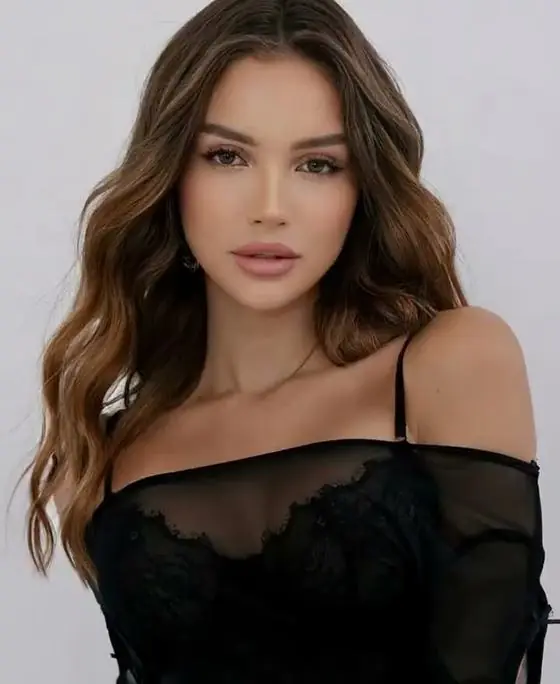
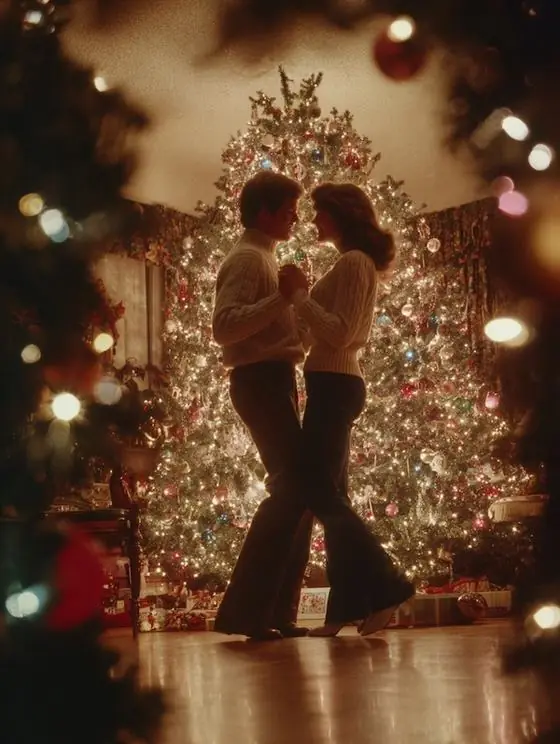
- Snow Globe — you inside a glass snow globe while snow swirls around.
- Christmas Ornament — your portrait reflected in a shiny tree ornament.
- Cozy Christmas — fireplace, warm lights and a knitted sweater.
- Holiday Outfit — a festive look with sparkles and a decorated backdrop.
- Festive Studio — a holiday photo-studio set with gifts and garlands.
- Snowstorm Magic — a cinematic snowstorm swirling around you.
- 80s Christmas (AI photo) — a retro holiday portrait.
How to make a Christmas AI video
- Pick a photo — a family portrait, a couple, kids or the dog in a Santa hat.
- Tap a Christmas style above; it opens in the studio with the prompt ready.
- Generate, download and send it as a video greeting card.
Holiday video ideas
- A family snow-globe video instead of a printed card.
- A pet in a Santa hat walking through a snowstorm.
- A New Year's Eve countdown clip with fireworks (custom prompt).
- Anniversary or first-Christmas-together couple edits.
Specs
| Spec | VideoAI |
|---|---|
| Price to start | Free — 1 AI video + 1 AI photo per new visitor, no card |
| Account / sign-up | Not required — works instantly in the browser |
| Input | One photo (JPG, PNG or HEIC) + an optional text prompt |
| Output | 5-second MP4 video at 720p, or an AI photo |
| Aspect ratios | 9:16, 1:1, 16:9, 3:4, 4:3 |
| Render time | About 90 seconds on average (1–3 minutes) |
| Ready-made styles | 22 video styles + 8 photo styles, or write your own prompt |
| Watermark | Small badge on free videos; removed with any paid pack |
| Paid options | One-time packs from $4.99 — no subscription, no auto-renewal |
| Platforms | Any modern browser on iPhone, Android, Mac, Windows, ChromeOS |
FAQ
How do I put my photo in a snow globe video?
Open VideoAI, choose the Snow Globe style, upload your photo and press Generate. Your 5-second snow globe video is ready in about 90 seconds.
Is the Christmas AI video free?
Your first video is free with no sign-up. Free videos have a small watermark that any one-time pack removes.
Can I make a Christmas video for a family photo?
Yes. Group photos work; for the best faces, keep the group small and the photo sharp.
Related
StylesBrowse all 30 VideoAI styles: 22 AI video styles and 8 AI photo styles with previews. Tap any style to open it in the free studio with the prompt ready.AI pet videoTurn a dog or cat photo into a funny or cinematic AI video: office boss cat, wizard dog, snow globe pet. Free first render, no sign-up.AI hug videoMake an AI hug video from one photo: friends, couples, family or a pet. Free first render, no sign-up, 5-second 720p clip in about 90 seconds.AI photoRestyle any selfie with AI: lace elegance, street fashion, retro postcard, winter portrait and more. First AI photo free, no sign-up, five aspect ratios.