How image-to-video AI works
Image-to-video (often written img2video or I2V) models take a still picture as the first frame and generate the frames that follow. A text prompt tells the model what should happen. Because the model starts from your real image, the person, pet or object stays recognizable — unlike text-to-video, where the model invents everything.
VideoAI runs a Wan 2.1-based image-to-video model at 720p, five seconds per clip, with motion amplitude chosen automatically for each scene.
Convert an image to video in 3 steps
- Upload your image — portrait, selfie, pet, product, artwork or an old photo.
- Write the prompt — for example
camera slowly orbits, wind moves her hair, neon city lights at night. Or tap a style to load a tested prompt. - Generate — download a 720p MP4 in 1–3 minutes.
Open the free VideoAI studio — upload a photo, pick a style and get your first AI video in about 90 seconds. No account, no card.
Image-to-video prompt examples that work
| Goal | Prompt to try |
|---|---|
| Living portrait | The subject blinks, smiles softly and turns toward the camera, natural light, shallow depth of field |
| Cinematic push-in | Slow dolly-in on the subject, dramatic rim light, light fog, film grain |
| Weather effect | Heavy snow starts falling around the subject, breath visible in the cold air |
| Action | The subject runs toward the camera, a T-Rex roars behind, handheld camera shake |
| Product | The bottle rotates slowly on a pedestal, water droplets, studio lighting |
Specs
| Spec | VideoAI |
|---|---|
| Price to start | Free — 1 AI video + 1 AI photo per new visitor, no card |
| Account / sign-up | Not required — works instantly in the browser |
| Input | One photo (JPG, PNG or HEIC) + an optional text prompt |
| Output | 5-second MP4 video at 720p, or an AI photo |
| Aspect ratios | 9:16, 1:1, 16:9, 3:4, 4:3 |
| Render time | About 90 seconds on average (1–3 minutes) |
| Ready-made styles | 22 video styles + 8 photo styles, or write your own prompt |
| Watermark | Small badge on free videos; removed with any paid pack |
| Paid options | One-time packs from $4.99 — no subscription, no auto-renewal |
| Platforms | Any modern browser on iPhone, Android, Mac, Windows, ChromeOS |
Image to video vs text to video
Text-to-video invents the whole scene from words, so faces and products rarely match a real person or item. Image-to-video keeps your real subject, which is what you want for selfies, couples, pets, memories and product ads. VideoAI focuses on image-to-video for that reason.
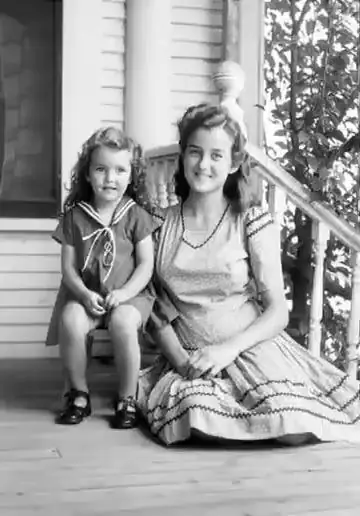
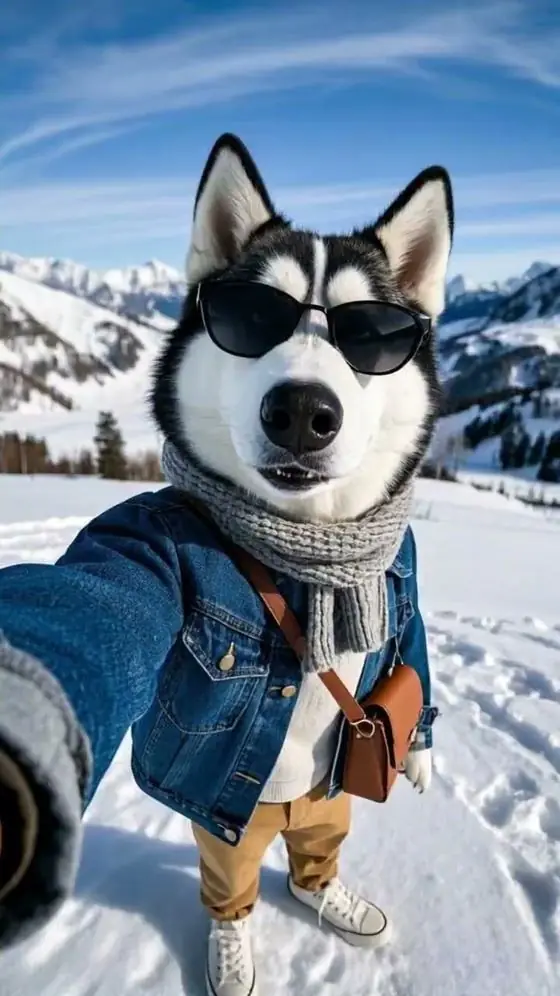
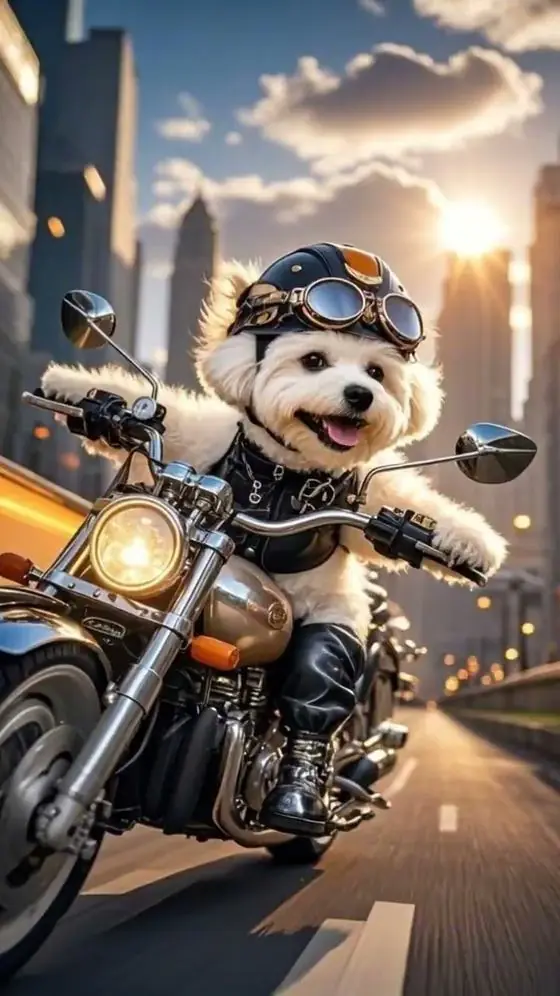
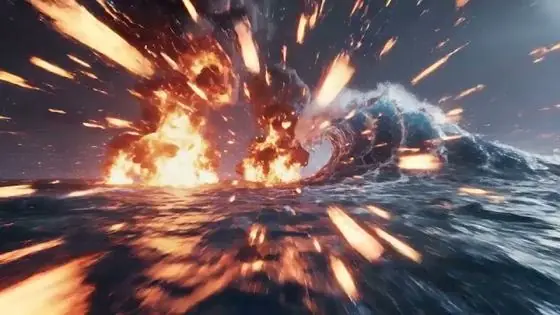
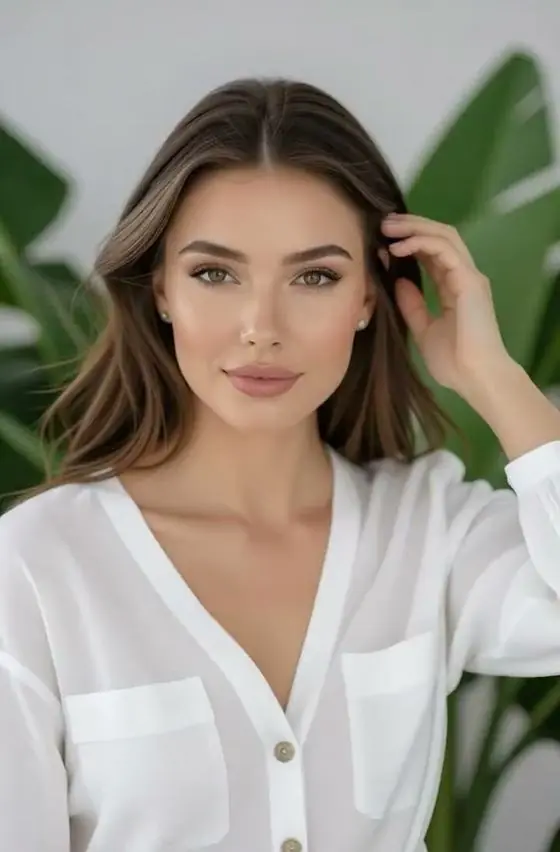
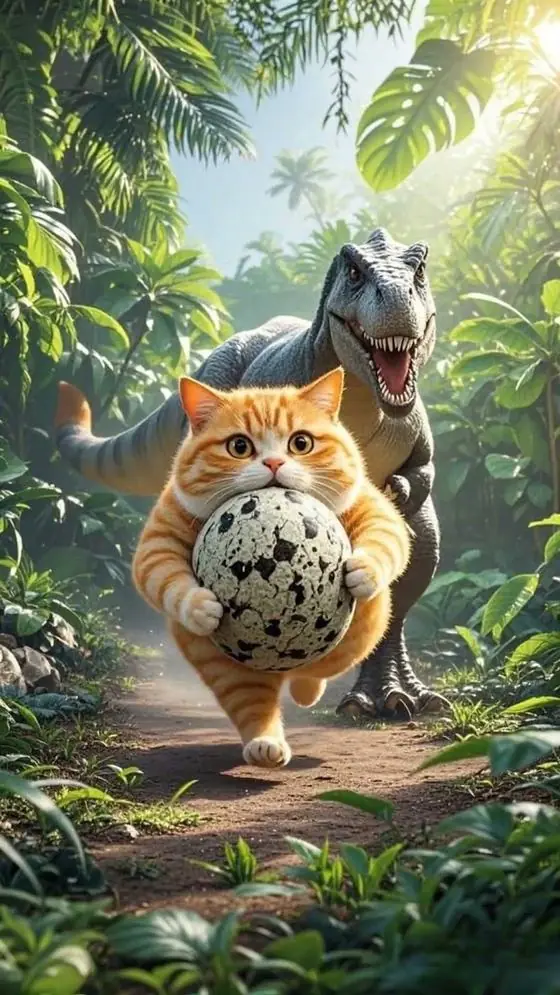
Examples made from a single image
FAQ
What is the best free image to video AI?
It depends on your needs. VideoAI is a good choice when you want a fast result without creating an account: one free 5-second 720p video per new visitor, ready-made styles and a custom prompt. Tools like Kling, Hailuo or Google Flow offer longer clips but require an account and credits.
Can I convert an image to video with AI without signing up?
Yes. VideoAI works without registration — upload your image and generate directly in the browser.
What image formats are supported?
JPG, PNG and HEIC (iPhone) photos. A sharp image with a clear subject gives the best motion.
Can I control the motion?
Yes. Type a prompt describing the action and camera movement, or start from a style and edit its prompt.
How long does image-to-video take?
About 90 seconds on average, up to 3 minutes at busy times.