What “photo to video AI” means
Photo-to-video AI analyses the people and objects in a still photo and generates realistic movement for a few seconds. Good results feel like the moment before or after the photo was taken: the person breathes, blinks, smiles, looks around, while light and background move naturally.
Popular ways to animate photos
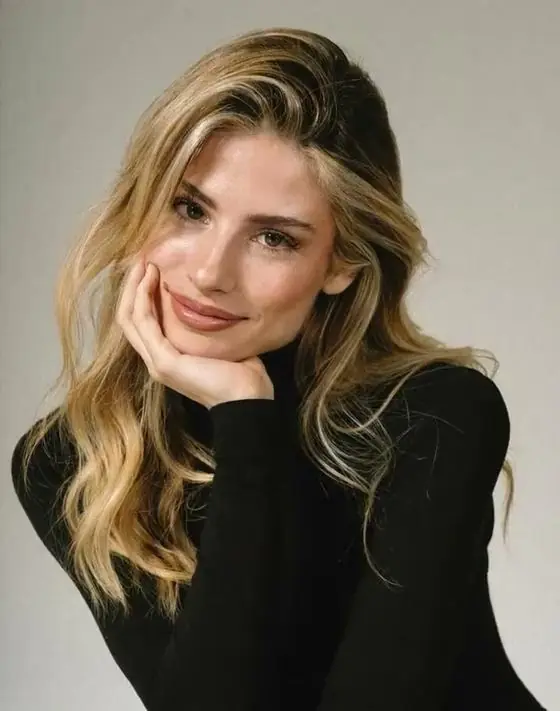
Living portraits
Use the Living Photo style for subtle, natural motion — ideal for profile videos and memorial or anniversary posts.
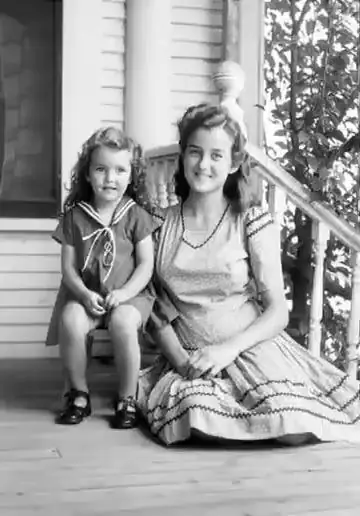
Old and family photos
Scan or photograph an old print, crop to the faces and generate a gentle animation. Keep the prompt simple (“smiles and looks at the camera”) for the most faithful result. Always respect the wishes of the people pictured and their families.
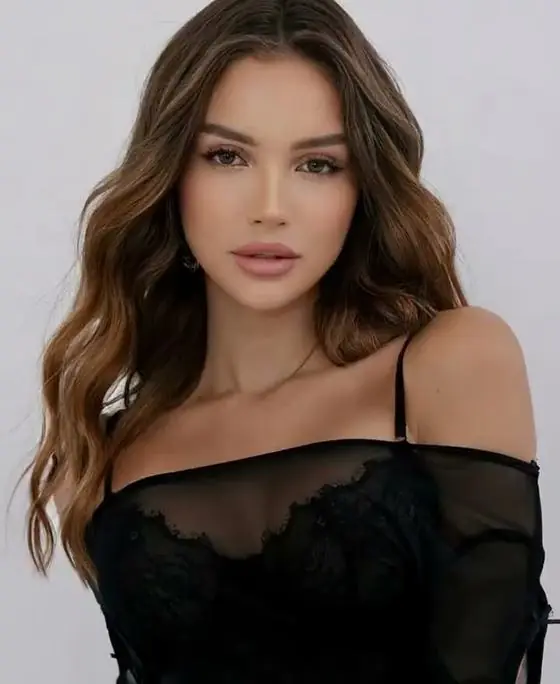
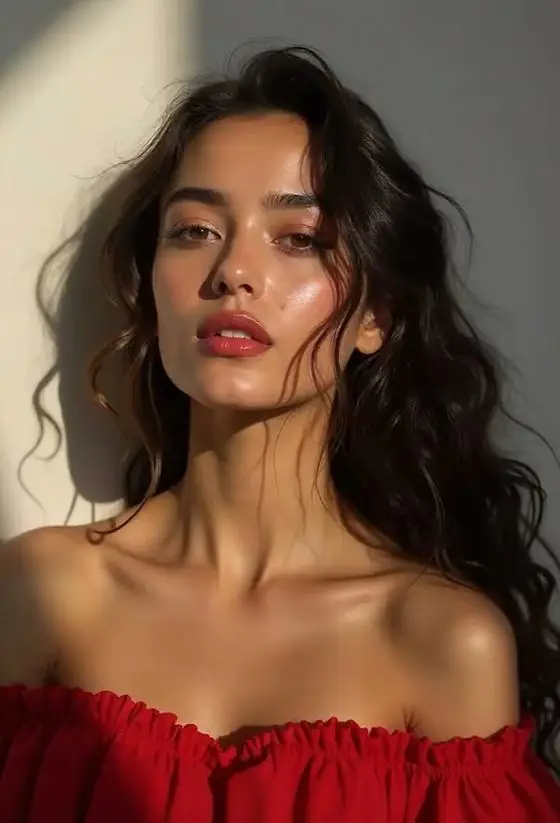
Selfies into movie scenes
Styles like Paparazzi Flashes, City Giant or Golden Luxury place you inside a cinematic scene while keeping your face and outfit.
Couples and friends
Photos with two people can be animated into a hug, a dance or a kiss — see the AI hug and AI kiss guides.
How to turn a photo into a video
- Open the VideoAI studio on your phone or computer.
- Upload the photo and pick a style, or describe the motion yourself.
- Choose 9:16, 1:1, 16:9, 3:4 or 4:3 and press Generate.
- Download the MP4 or share it directly.
Specs
| Spec | VideoAI |
|---|---|
| Price to start | Free — 1 AI video + 1 AI photo per new visitor, no card |
| Account / sign-up | Not required — works instantly in the browser |
| Input | One photo (JPG, PNG or HEIC) + an optional text prompt |
| Output | 5-second MP4 video at 720p, or an AI photo |
| Aspect ratios | 9:16, 1:1, 16:9, 3:4, 4:3 |
| Render time | About 90 seconds on average (1–3 minutes) |
| Ready-made styles | 22 video styles + 8 photo styles, or write your own prompt |
| Watermark | Small badge on free videos; removed with any paid pack |
| Paid options | One-time packs from $4.99 — no subscription, no auto-renewal |
| Platforms | Any modern browser on iPhone, Android, Mac, Windows, ChromeOS |
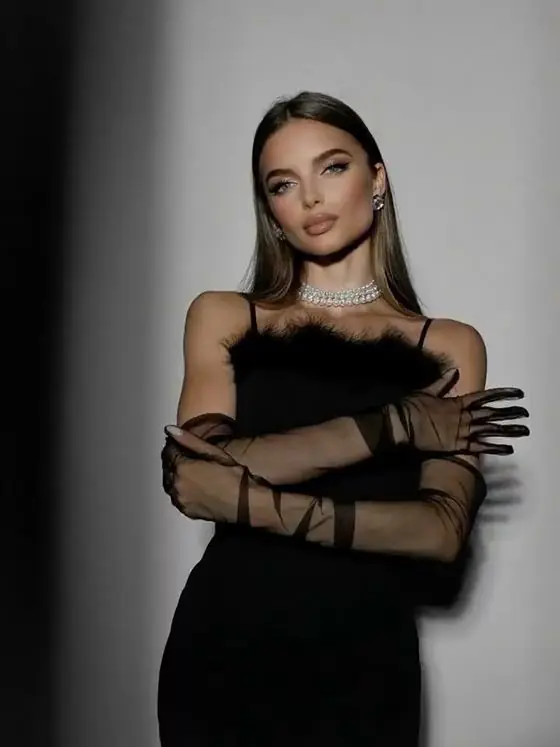
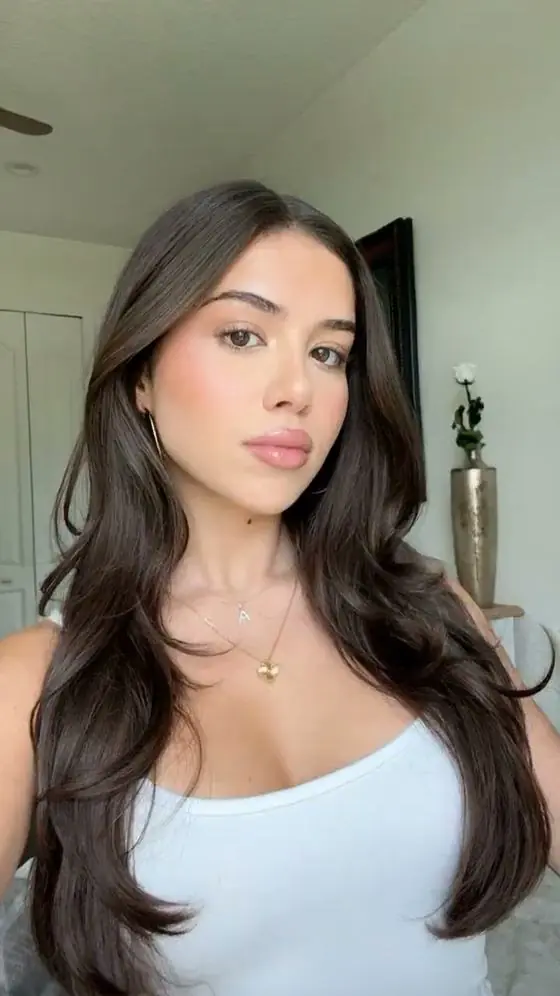
Photo-to-video styles
How to get the best quality
- Use the largest, sharpest version of the photo you have; avoid screenshots of screenshots.
- Faces should be at least a quarter of the frame for convincing expressions.
- Busy group photos animate less precisely — crop to one or two people.
- If a hand or background looks odd, generate again: each render is a new take.
FAQ
Can AI make my photo move for free?
Yes. VideoAI gives every new visitor one free photo-to-video render (5 seconds, 720p) with no sign-up.
Can I animate old photos with AI?
Yes. Upload a clear scan of the old photo and use a gentle prompt like 'smiles and looks at the camera'. Results are best when faces are sharp and well lit.
Is there a photo to video AI app for iPhone?
VideoAI works in Safari on iPhone without installing an app, and it also has a native iOS app version.
Will the person still look like themselves?
The model starts from your photo and uses identity-preserving prompts, so face, hair and clothing stay consistent through the clip.
Are my photos stored?
Photos are used only to render your video and expire automatically on the render server. They are never sold or shared.