What is a free AI video generator?
A free AI video generator is a tool that creates a short video clip with artificial intelligence without charging you for it. Most modern tools are image-to-video models: you give them a picture and a description, and the model predicts realistic motion — a head turn, wind in the hair, a camera push-in, snow falling — frame by frame.
VideoAI uses a Wan 2.1-based cinematic diffusion model. It keeps the face, hair and outfit from your photo and directs a short scene around it, which is why the results look like a movie shot rather than a slideshow zoom.
How to make an AI video for free (3 steps)
- Upload a photo. A clear portrait, a pet, a couple or a product shot works best. JPG, PNG and HEIC are accepted.
- Pick a style or write a prompt. Choose a ready-made style like Snow Globe, Golden Luxury or City Giant, or describe the motion in plain English:
she turns to the camera and smiles, golden hour light, slow motion. - Generate and download. Your 5-second 720p MP4 is ready in about 90 seconds. Share it to TikTok, Reels, Shorts or WhatsApp.
Open the free VideoAI studio — upload a photo, pick a style and get your first AI video in about 90 seconds. No account, no card.
What you get for free
| Spec | VideoAI |
|---|---|
| Price to start | Free — 1 AI video + 1 AI photo per new visitor, no card |
| Account / sign-up | Not required — works instantly in the browser |
| Input | One photo (JPG, PNG or HEIC) + an optional text prompt |
| Output | 5-second MP4 video at 720p, or an AI photo |
| Aspect ratios | 9:16, 1:1, 16:9, 3:4, 4:3 |
| Render time | About 90 seconds on average (1–3 minutes) |
| Ready-made styles | 22 video styles + 8 photo styles, or write your own prompt |
| Watermark | Small badge on free videos; removed with any paid pack |
| Paid options | One-time packs from $4.99 — no subscription, no auto-renewal |
| Platforms | Any modern browser on iPhone, Android, Mac, Windows, ChromeOS |
Why people pick VideoAI over other free AI video tools
- No account wall. Many “free” generators ask you to register, verify an email or join a waitlist before the first render. VideoAI starts the moment you upload a photo.
- Ready-made viral styles. You do not have to learn prompt engineering — each style ships with a tested prompt that you can still edit.
- Works on a phone. The studio is built for mobile browsers, including in-app browsers in Instagram and TikTok.
- No subscription. If you want more videos without the watermark, you buy a one-time pack. Nothing renews.
Honest limits of the free tier
The free tier is designed so you can see real results before paying. It includes one AI video and one AI photo per new visitor. Free videos carry a small VideoAI badge in the corner. Clips are 5 seconds long at 720p — perfect for social media, but not a replacement for long-form video editors. VideoAI also needs a starting photo; it does not generate a video from text alone.
Styles you can try for free
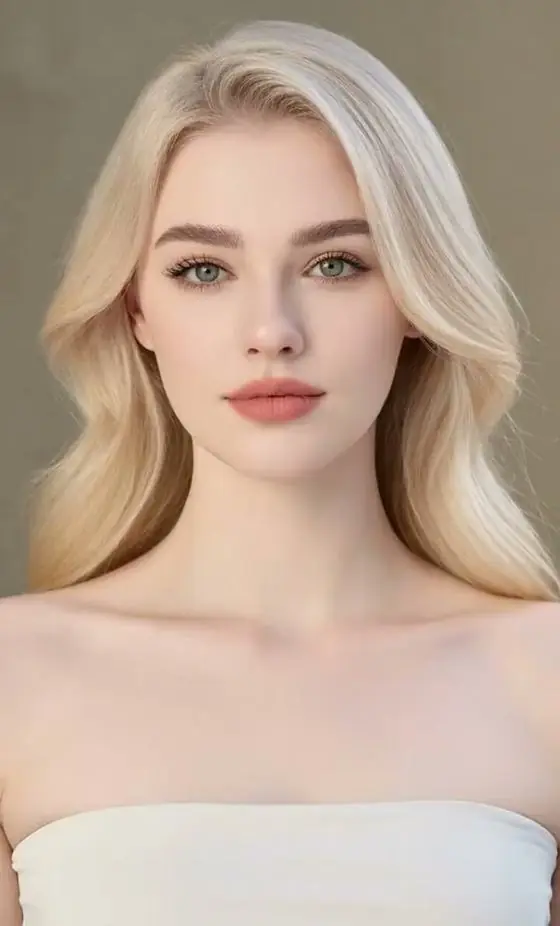
Every preview below was generated from a single photo. Tap one to open it in the studio.





Tips for better free AI videos
- Use a sharp photo with the subject facing the camera and good, even light.
- Describe motion, not just appearance: “turns head”, “walks toward camera”, “hair blowing in the wind”.
- Pick the aspect ratio before generating: 9:16 for TikTok/Reels, 1:1 for feeds, 16:9 for YouTube.
- Keep one main action per clip — 5 seconds is enough for one strong moment.
FAQ
Is VideoAI really free?
Yes. Every new visitor gets one free AI video and one free AI photo with no account and no card. Free videos have a small watermark. Optional one-time packs (from $4.99) remove the watermark and add more renders.
Do I need to sign up to make an AI video?
No. VideoAI runs in your browser without registration. Your credits are tied to your browser, so you can start generating immediately.
How long are the videos?
Each AI video is 5 seconds long in 720p HD, in 9:16, 1:1, 16:9, 3:4 or 4:3.
Can I use the free AI video on TikTok or Instagram?
Yes. Download the MP4 and post it anywhere. Choose 9:16 for TikTok, Reels and Shorts.
Is there a free AI video generator with no watermark?
The free VideoAI render includes a small badge. Any one-time pack removes it for all future renders; there is no subscription.
Does it work on iPhone and Android?
Yes. VideoAI works in Safari, Chrome and other modern browsers on iPhone, Android, Mac, Windows and ChromeOS.